Keeps your subject
Faces, products, and details stay consistent with the source image.


Image to Video AI
Upload an image and describe the motion. Gasimus animates product shots, portraits, and artwork into smooth, realistic clips while keeping the original look intact.
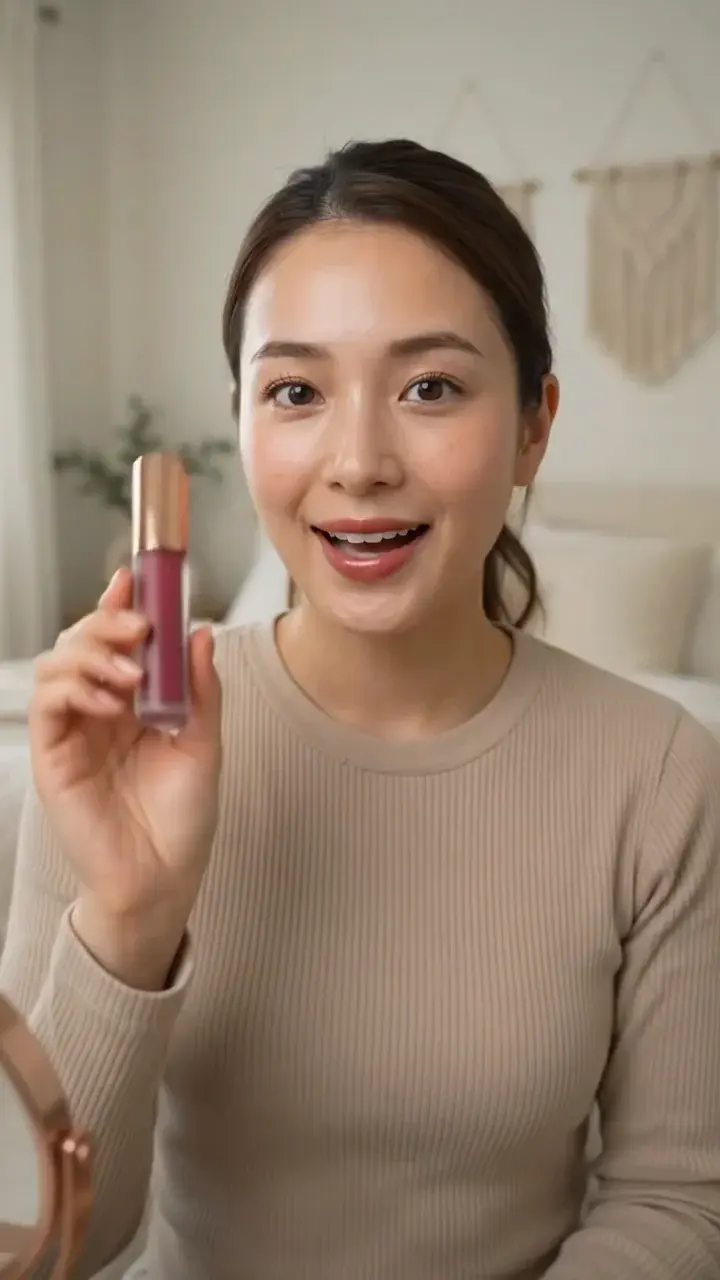
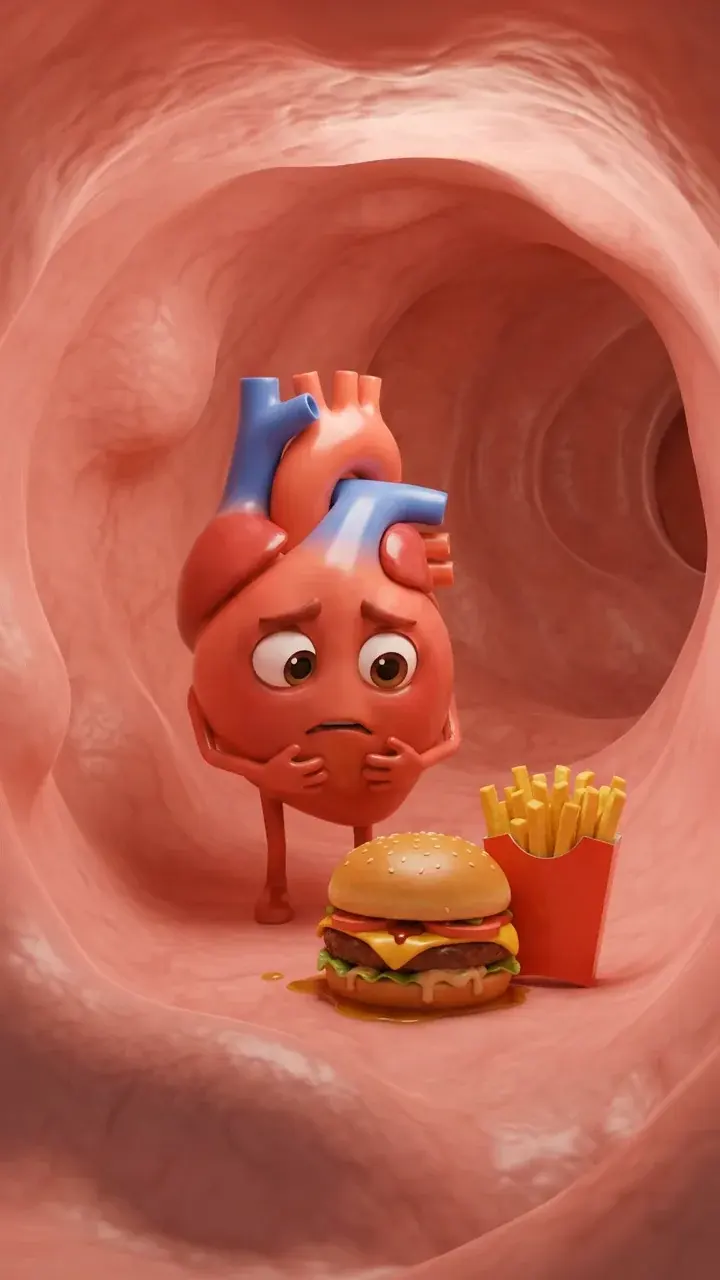
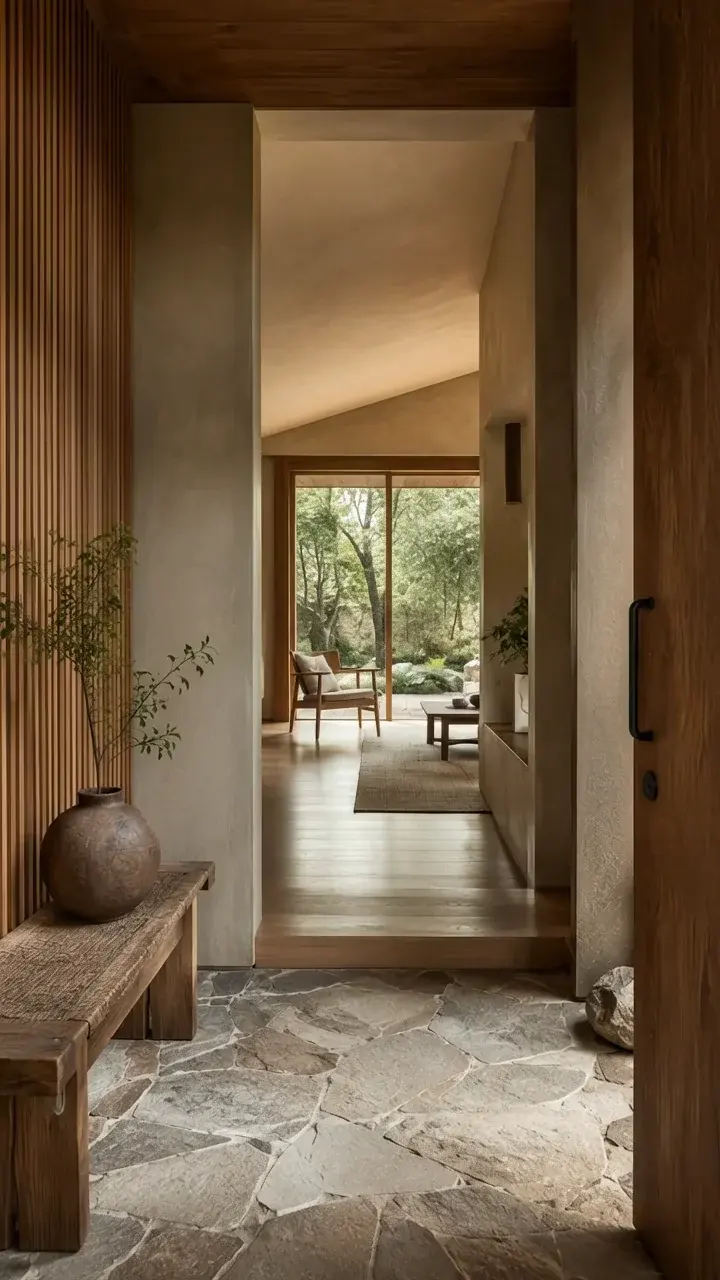
Faces, products, and details stay consistent with the source image.
Add camera moves, subject motion, and atmosphere with a short prompt.
Bring product photos to life for ads, marketplaces, and social posts.
Compare results from different video models on the same image.
Use a product shot, portrait, or artwork.
Tell the model how the scene should move.
Get a smooth, high-quality clip.
Export and share your video.
Upload a photo, describe the motion you want, and an AI video model animates the image into a short clip.
Yes. Image-to-video models use your photo as the first frame and keep the subject, style, and colors consistent.
Clear, well-lit images with a defined subject, such as product shots, portraits, and scenes, give the best results.
Gasimus Creative Agent turns a simple brief into a full campaign. It plans concepts, writes prompts, and generates images and videos for you.
Create studio-grade product photos, ads, characters, and social visuals from text prompts or references with the Gasimus AI Image Generator.
Generate cinematic videos, product ads, UGC, and short films with AI. Gasimus brings Seedance, Kling, and Veo into one video workspace.